Skype Web SDK - Audio, Video and Conferencing
A deep dive tutorial on how to add Audio, Video and Conferencing capabilities into your web site or application, using JavaScript and the Skype Web SDK.
Thursday, 24 December 2015


Course Overview
Getting Started
An overview of the SDK, the object model, and how to initialize and connect to a Lync 2013 or Skype for Business server using the SDK. We look at how to authenticate to the server, with code and a live demonstration.
 |
 |
Creating a New Conversation
Creating a new conversation, adding one or more participants (contacts), and displaying both their audio and video capabilities.
 |
 |
Creating and Answering an Audio Call
Creating a new audio call with existing participants, and managing an audio call request from an existing participant.
 |
 |
 |
Managing an Active Call
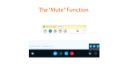
Adding additional functionality to an audio call, such as DTMF tones (great for interacting with IVRs), placing the call on hold and muting a participant.
 |
 |
 |
Creating a Video Call
Adding video, embedded into a web browser, into an existing call, both initiating and accepting requests.
 |
 |
Troubleshooting
In this module, we’ll take a look at a few troubleshooting tips and useful techniques for ensuring your Skype Web SDK website or application works seamlessly.
 |
 |
Closing a Conversation and Logging Out
Learn how to correctly close a Conversation and log the current user out of Skype for Business.
 |
 |
Troubleshooting
Put in links to troubleshooting pages, and commentary around Chrome NPAPI and Edge
Click the link below to check out my course:

Tags
Skype, Skype Web SDK, UCJA, JLync, UCWA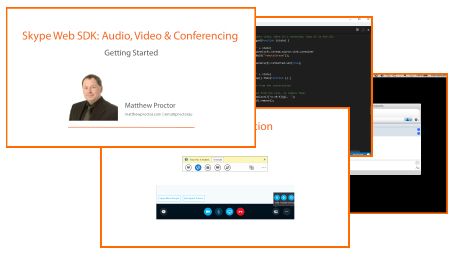
Support this Site

Developer Courses

| Skype Web SDK: Getting Started |
| Skype Web SDK: Audio & Video |
Follow @MattProctorAU
Popular Articles
| What is Kutamo? |
| Kilimanjaro Climb |
| Kilimanjaro 2015 |
| Kilimanjaro 2013 |
| Australian Postcodes |
| New Zealand Postcodes |
| Worldwide City Database |
Favourite Links
| Kilimanjaro Climbs |
| Kutamo Studios |
| Kutamo Meetings |
| Litzi |
| ErrLog.IO |
| Kutamo |